
Preserve Original Layout
Keep text blocks in approximately the same position without redesigning the image.
Translate image text in 132+ languages.
Start with 30 free credits — translate up to 3 images, no payment required.Start translating
Translate words, keep the design
Translate image text in 132+ languages while keeping the original design.
Drag and drop images here, or click to browse
Supports JPG, JPEG, PNG and WebP · Upload one or multiple images
Real translation examples
Explore real before-and-after examples across the image types people translate every day. The translated copy is placed back into the original visual instead of being returned as plain text.
Localize product graphics and marketplace images without rebuilding the entire creative for each market.
Translate product images

Built for real images
From product listings to social posts, Image Translator keeps the complete image intact while replacing meaningful text.
Keep text blocks in approximately the same position without redesigning the image.
Translate meaning in context instead of replacing words one by one.
Add up to ten images in one flow and track every image separately.
Auto-detect the source and translate into the language your audience needs.
Match typography, hierarchy, color and emphasis as closely as possible.
Resume task status after refresh and automatically refund failed images.
How it works
Image Translator is an AI tool that reads the text in your image and re-renders it in the language you choose, preserving the original layout, typography and style. Upload a JPG, PNG or WebP, pick your target languages, and download the translated image.
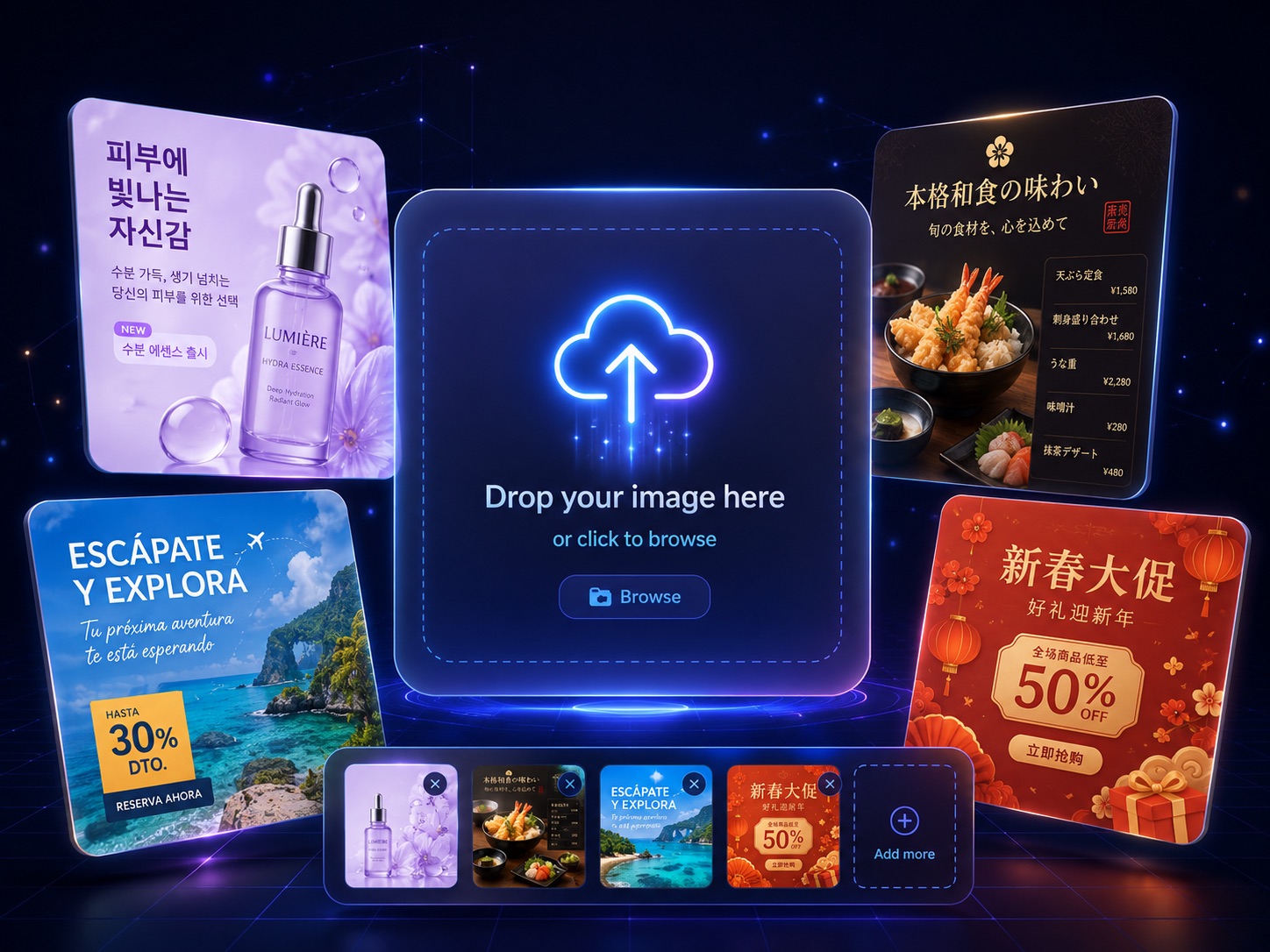
Upload JPG, PNG, or WEBP images. Our AI automatically detects text in any language.
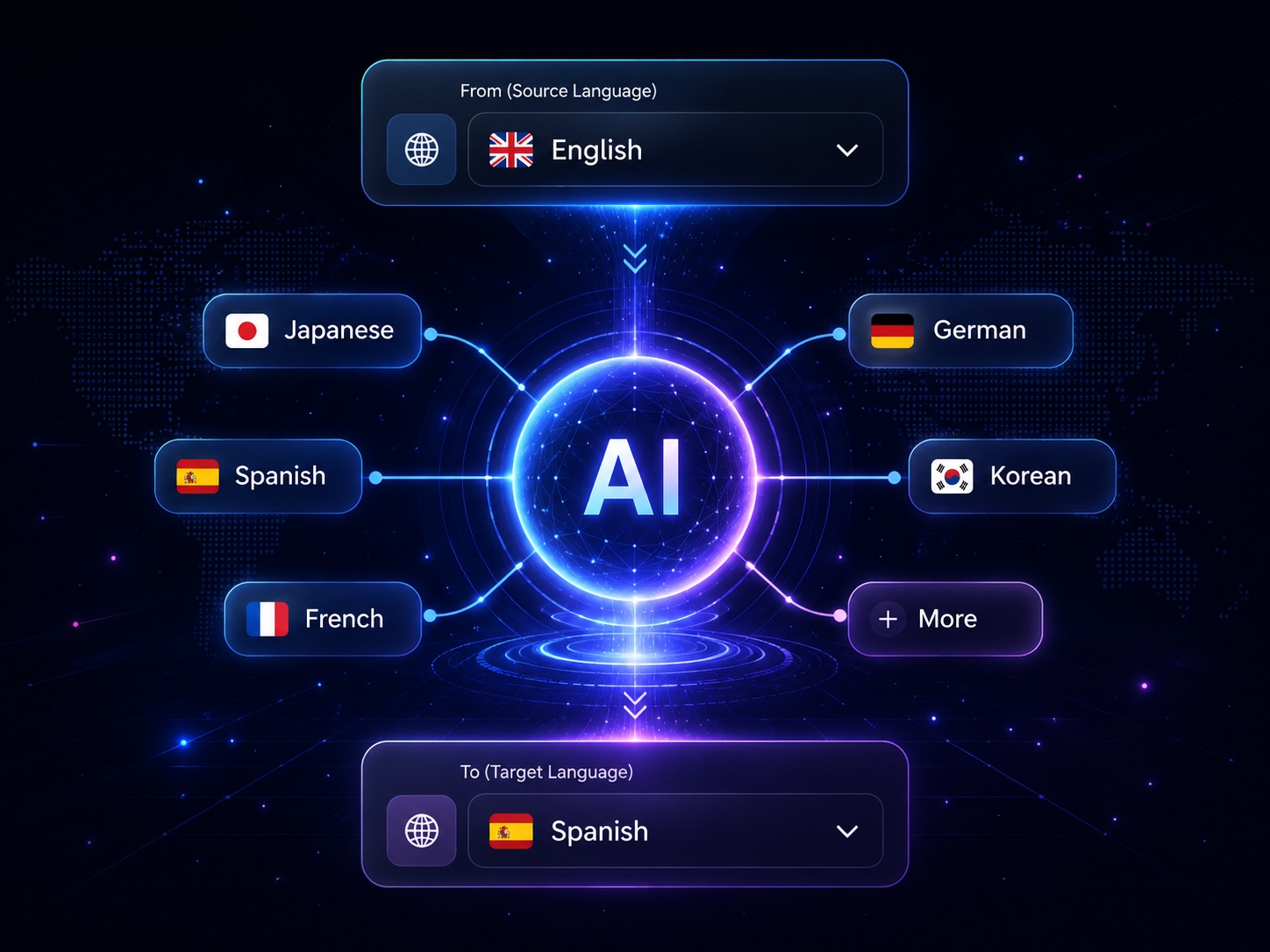
Select the source and target languages. Our AI handles the rest with precision.
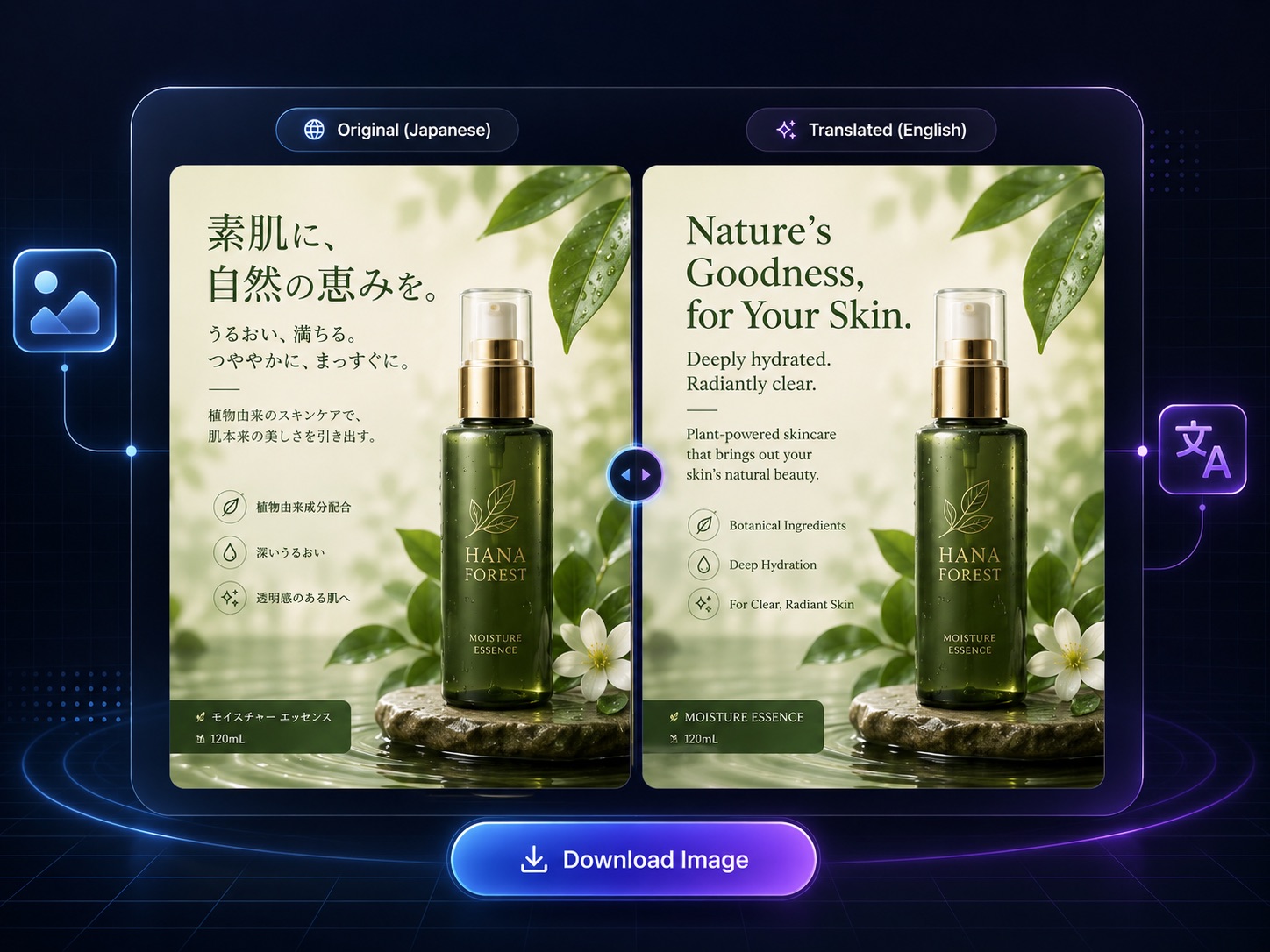
Preview the translated image with original layout intact. Download in high resolution instantly.
Why Image Translator
Image Translator reads the text directly from your image and re-renders it in the language you choose, keeping the original fonts, colors and layout pixel-perfect. Other tools force you to manually edit every label, banner and button instead.
Menus, product photos, comics, screenshots, and documents. Our AI detects text in any language — from Japanese menus to Spanish marketing banners — and translates it in context.
Fonts, spacing, colors, and design elements stay exactly where they are. The translated text is seamlessly re-rendered into the image so it looks like it was designed that way.
Auto-detect the source language or choose it manually, then translate into 132 languages — English, Japanese, Chinese, Spanish, German, French, Korean, and more.
No need to convert files before uploading. Drop in the images you already use — from e-commerce product shots to app screenshots — and download the translated version instantly.
A simpler workflow for anyone who needs readable, translated images — before they publish, present, or sell.
Popular image translation tools
Use a focused translator page for your image type or go directly to one of the most common language directions.
Batch Image Translator
Batch translate up to 10 images into multiple languages. See a real six-result example, calculate credits and review or retry individual image-language tasks.
Product Image Translator
Translate product images for your store. Review real feature, specification and packaging examples, keep catalog terms consistent and check each image before publishing.
Translate Product and Care Labels
Translate label photos and packaging text. Compare actual care-label results, check codes and units, and review wording before downloading a translated image.
AI Photo Translator
Translate photo text online with AI - translate menus, signs, packaging and other real-world photos while keeping the full photograph.
AI Screenshot Translator
Translate app UI, chat threads, error dialogs, web pages and game screenshots online across 132 languages while keeping buttons, bubbles and layout intact.
AI Manga Translator
Translate manga pages, vertical Japanese dialogue, speech bubbles and webtoon slices online while preserving line art, screentones and right-to-left reading flow.
Japanese to English Image Translator
Translate Japanese menus, manga and packaging into English. Learn how to review vertical text, yen prices and product labels against the original.
Translate Chinese Images to English
Translate Chinese images to English. Review real product examples, preserve models and units, and check Simplified or Traditional Chinese wording before downloading.
Translate Korean Images to English
Translate Korean to English pictures - translate Korean pictures, photos and screenshots to English while keeping the original design.
Translate Arabic Images to English
Arabic to English photo translator - translate Arabic text in photos and images to English with right-to-left layout awareness.
Translate Spanish Images to English
Translate Spanish to English pictures - translate Spanish images, pictures and photos to English while preserving their layout.
English to Hindi Photo Translator
Translate English to Hindi in photos - translate English text in photos to Hindi while preserving the image layout and adapting Devanagari text.
Simple pricing
Every image and target-language combination is one independent task. Start with 30 free credits, then upgrade only when you need more.
$8.25 / month
500 credits each month
$16.58 / month
1,500 credits each month
$41.58 / month
4,000 credits each month
Image translator FAQ
Clear answers about formats, languages, credits and what happens to each uploaded image.
Upload one or more images, choose the source language or use automatic detection, select one or more target languages, then start the translation. Each completed result can be compared with the original and downloaded separately.
The uploader accepts JPG, JPEG, PNG and WebP images. You can add up to ten images in one upload flow.
The language selector includes 132 languages, including English, Spanish, Chinese, Japanese, Korean, Arabic and Hindi. Source-language auto detection is also available.
Yes. Choose multiple target languages before starting. The system creates a separate task for every image and target-language combination so every result can finish, fail or be downloaded independently.
The translator is designed to preserve the complete image and place translated text back into approximately the same visual areas. Results can vary with image quality, typography and layout complexity.
Each image and target-language combination uses credits as an independent task. For example, translating two images into three target languages creates six tasks. The exact credit requirement is shown before you submit.
Failed image tasks automatically refund their credits. One failed task does not block the other images or languages in the same batch.
Yes. Signed-in users can open Translation History to review, download, retry or regenerate their private image tasks. Task status also resumes after a page refresh.
Yes. Your images are processed securely and results are private to your account. Only you can access your translation history and completed tasks.
A verified account is required. New accounts receive limited free credits so you can try the service before purchasing a plan or credit pack.
Language coverage and in-image text rendering are based on these publicly documented sources.
Ready when your image is
Upload a JPG, PNG or WebP image, choose the languages you need and keep every result organized as its own task.